Budgets and alerts
Some projects carry a budget — a number of hours, an amount of money, or both. As time is logged, the project burns through it.
Where you’ll notice
Section titled “Where you’ll notice”You don’t have to go looking. A project in the warning band is marked wherever its entries appear:
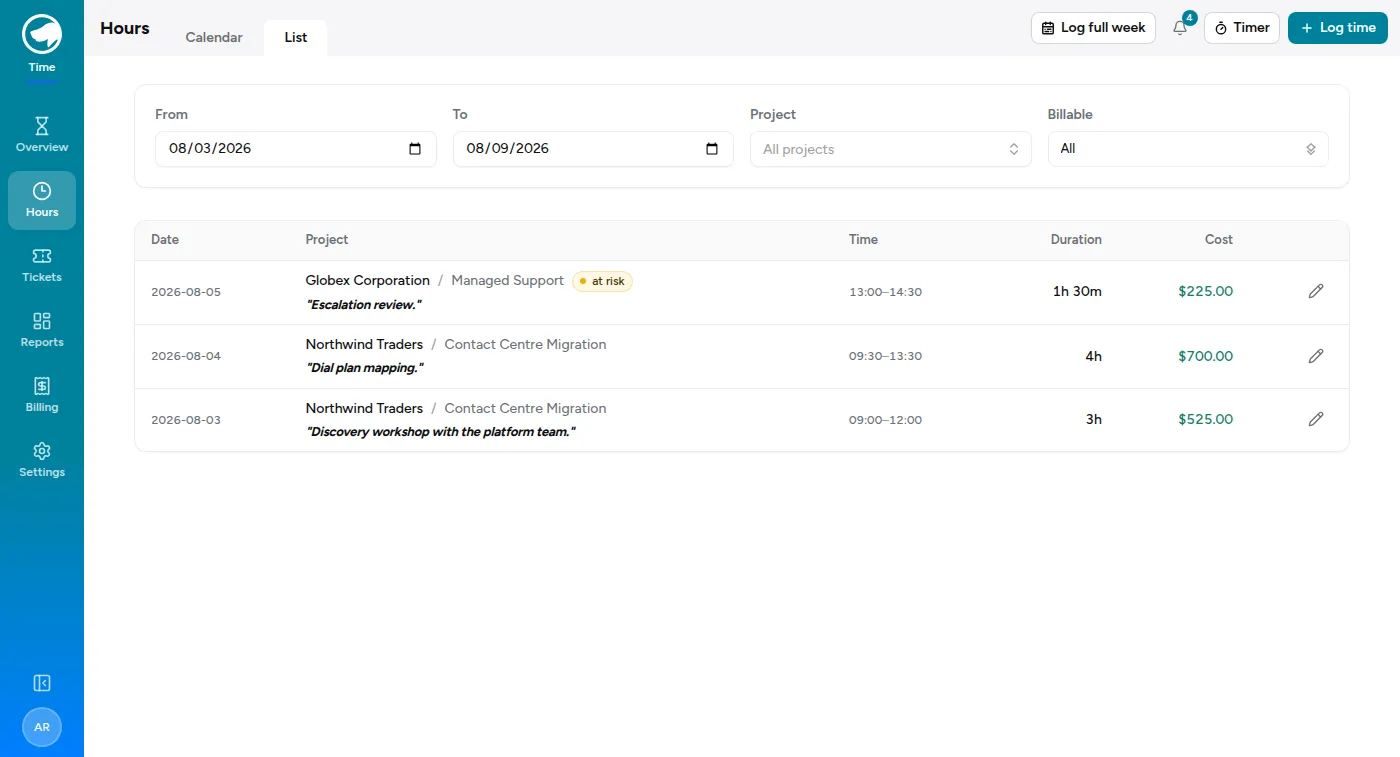
An amber at risk badge means 80% or more; a red over budget badge means the budget is spent. Hovering either tells you the exact percentage.
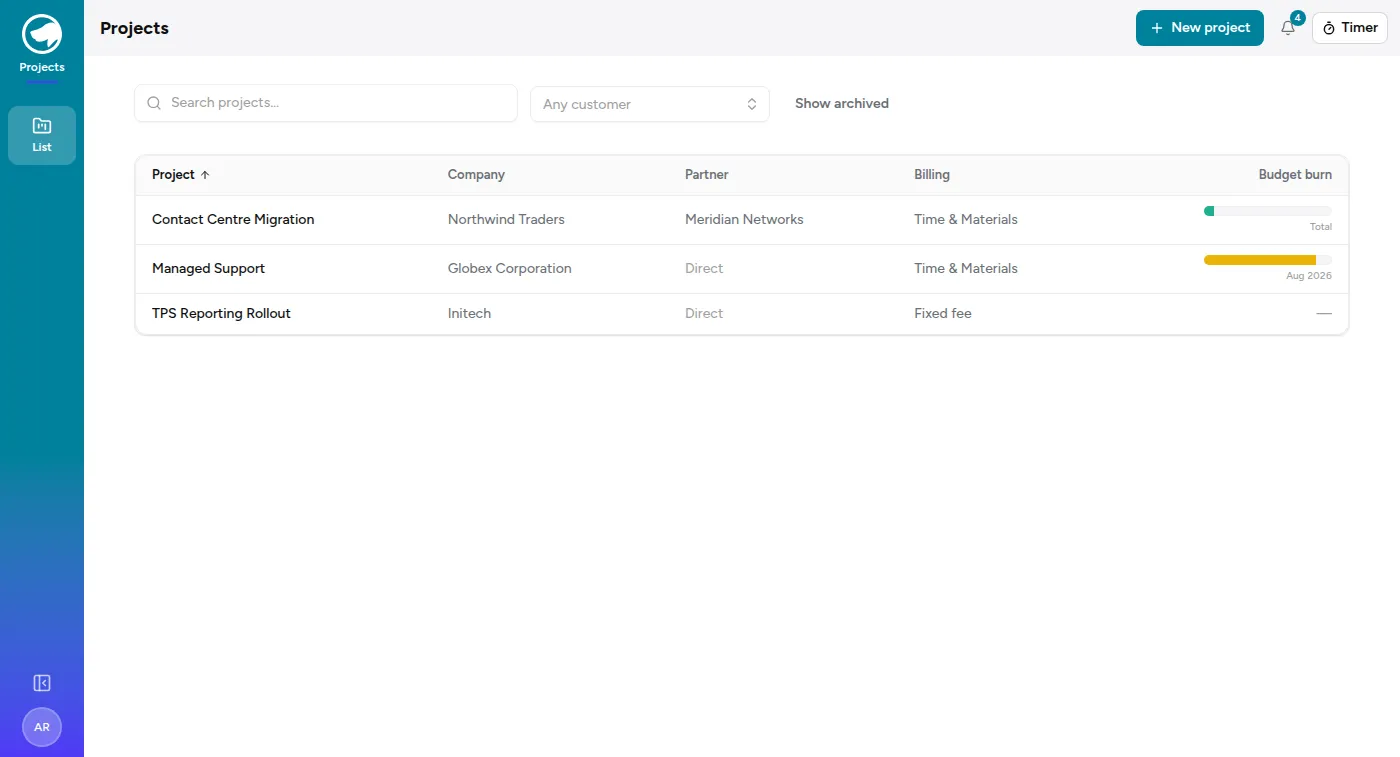
The projects list shows the same thing as a burn bar per project, with the budget period it’s measured over underneath — a monthly retainer resets every month, a total budget never does:
The two alerts
Section titled “The two alerts”| At | What happens |
|---|---|
| 80% | Warning. The project is most of the way through its budget. |
| 100% | Breach. The budget is spent. |
Both show as a banner in the app and go to Slack. Whichever is crossed first fires first, and each fires once — you won’t be pinged again every time someone logs an hour.
Hours and money are tracked separately, so a project can be fine on hours and over on cost, or the reverse. That usually means the work is being done by more expensive people than planned.
Budgets warn. They don’t block.
Section titled “Budgets warn. They don’t block.”You can always log your time. Going over budget doesn’t lock the project, doesn’t require an approval, and doesn’t stop you saving.
This is deliberate. The alert is information for the people who need to have a conversation with the client — it isn’t a gate, and it isn’t an accusation. Time you worked is a fact, and the timesheet should say what happened.
What you should do
Section titled “What you should do”Usually nothing — the project’s owner gets the same alert and it’s their call.
Worth a word with them if you can see the budget won’t hold: you’re closest to the work, and a heads-up before the breach is far more useful than one after.
Projects without budgets
Section titled “Projects without budgets”Plenty of projects have no budget set, and fixed-fee projects often don’t have an hours budget at all. Those never alert. Nothing is wrong.