Your account
Everything personal to you lives on one page: Profile, reached from your name at the bottom of the left-hand rail. There are only three things on it you can change, and one you can’t.
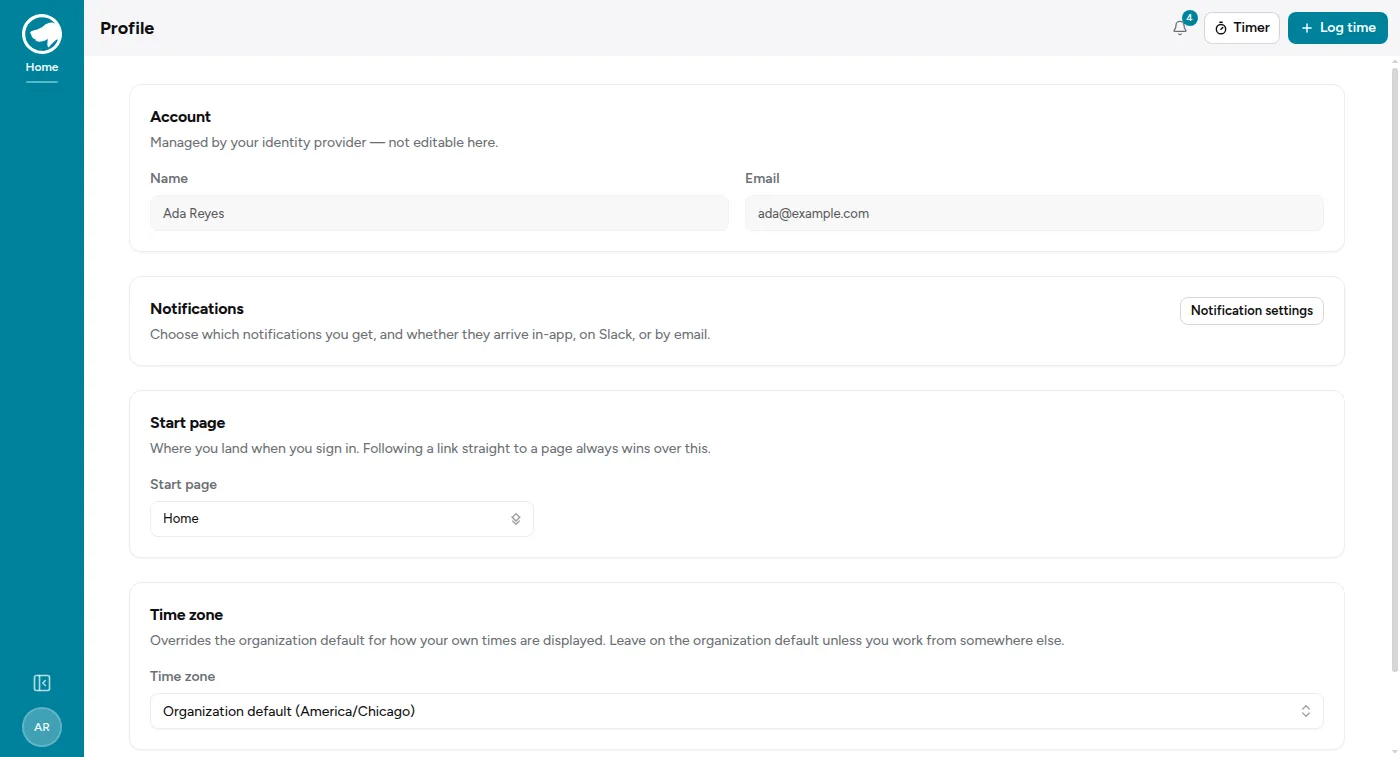
Your name and email aren’t yours to edit
Section titled “Your name and email aren’t yours to edit”They come from whoever signs you in — Google or Microsoft — and the app just displays what it was told. Change your name with your identity provider and it follows through on your next sign-in.
This is the same reason there’s no password to change here. The app never has one; it asks your provider who you are, every time.
Start page
Section titled “Start page”Where you land when you sign in. The options are Home and whichever modules you can reach — Time Tracking, Sales, Service Desk, Projects, Admin.
Pick the thing you do most. If you spend your day in tickets, landing on Home and clicking through to the Service Desk every morning is a small tax you’re paying for no reason.
Two things worth knowing:
- A link always wins. If you follow a link straight to a ticket while signed out, you’ll land on that ticket after signing in — not your start page. The setting is for when you arrive with no particular destination.
- It stores the module, not the address. If a page moves, your start page follows it. And if you lose access to the module you’d chosen, you land on Home rather than a permission error.
Your start page is per organization. If you’re in more than one, each gets its own, which is usually what you want — you might be an agent in one and a project manager in another.
Time zone
Section titled “Time zone”Your organization has a time zone, and by default your times are shown in it. This setting overrides that for you.
Leave it on the organization default unless you actually work from somewhere else. Setting it to a zone you don’t live in is a reliable way to log an hour against Tuesday and find it filed under Monday.
Notifications
Section titled “Notifications”The Notification settings button leads to the one genuinely detailed screen in your account — 31 kinds of notification, three channels each, plus digests and quiet hours. It has its own page: Notifications.