Time on tickets
Support work is billable work, and the Service Desk and the time tracker are joined so you don’t have to describe the same afternoon twice.
From the ticket
Section titled “From the ticket”Every ticket has a Time logged panel: total hours, how much of that was billable, and the project the time goes to. It offers two ways to book time, and both write the same kind of entry:
- Start timer starts a running timer already pointed at that project, so the fastest way to log support work is to press it when you pick the ticket up and stop it when you put it down.
- Log time opens the ordinary time-entry form with the ticket and its project already filled in. Use it for work a timer never saw — the call you took, the fix at 2am, the afternoon you’re writing up the next morning.
Both appear only if you have Time Tracking; without it the panel still reports the hours others booked, but there’s nothing for you to press.
A ticket’s project is constrained: it has to be a project belonging to the ticket’s own company (or an internal one). That’s what makes the number trustworthy — you can’t accidentally bill Northwind’s incident to Globex.
From the time side
Section titled “From the time side”The Service Desk’s Reports → Tickets and Time Tracking’s ticket views answer the two different questions:
- “How much time went into this ticket?” — the ticket’s own panel.
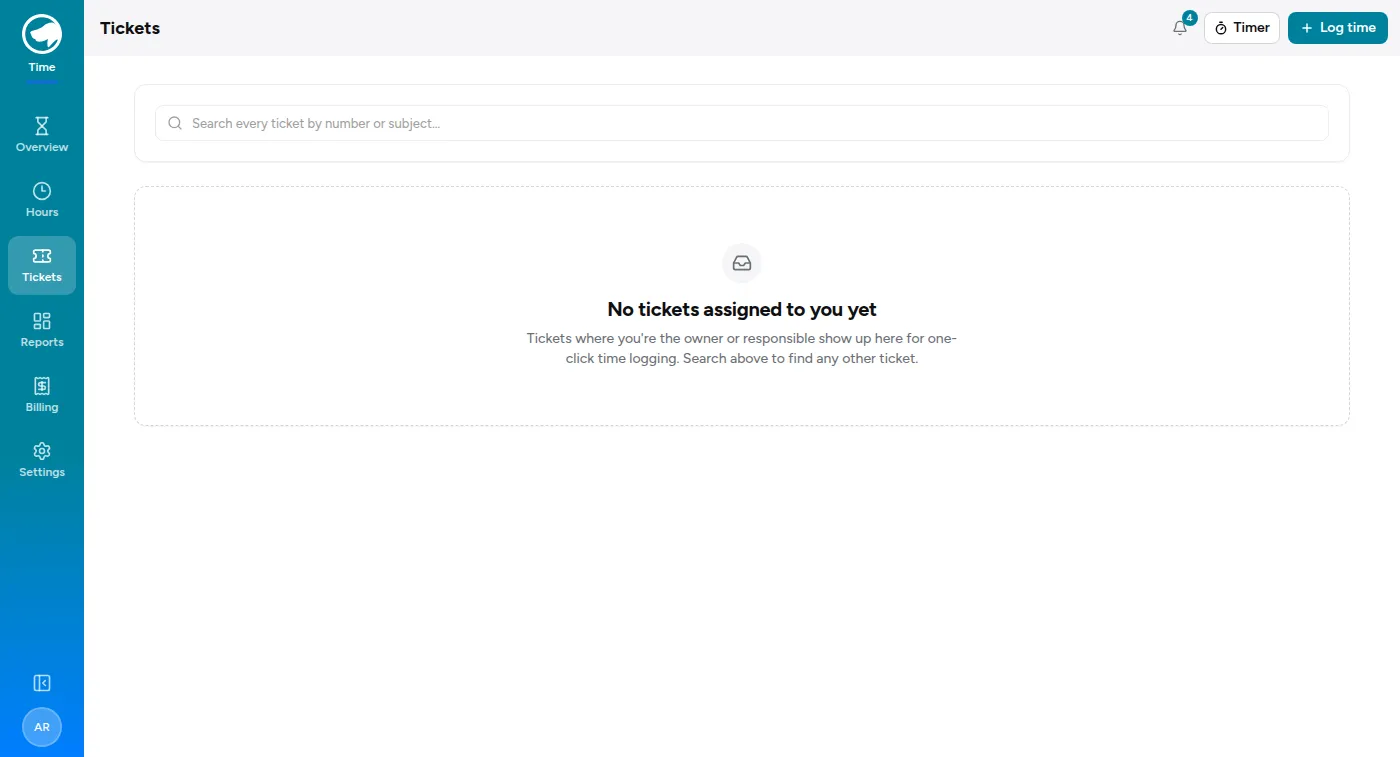
- “Which tickets did I work and forget to log?” — Time Tracking’s Tickets page.
The second one is the useful habit. Support work is the easiest kind to leave unlogged, because a ticket feels finished the moment you send the reply.
What the hours are worth
Section titled “What the hours are worth”Rates work exactly as they do everywhere else in the tracker — the bill rate is resolved when the entry is created and snapshotted onto it. See Logging time for the precedence rules.
Time booked through a ticket appears in the ordinary time reports, on the project’s budget, and on the customer’s billing detail. There is no separate support-billing pipeline to reconcile.