The audit log
Almost every record in the app keeps a history: who changed it, when, and what each field held before and after. Admin → Audits is where you read it.
Reading it
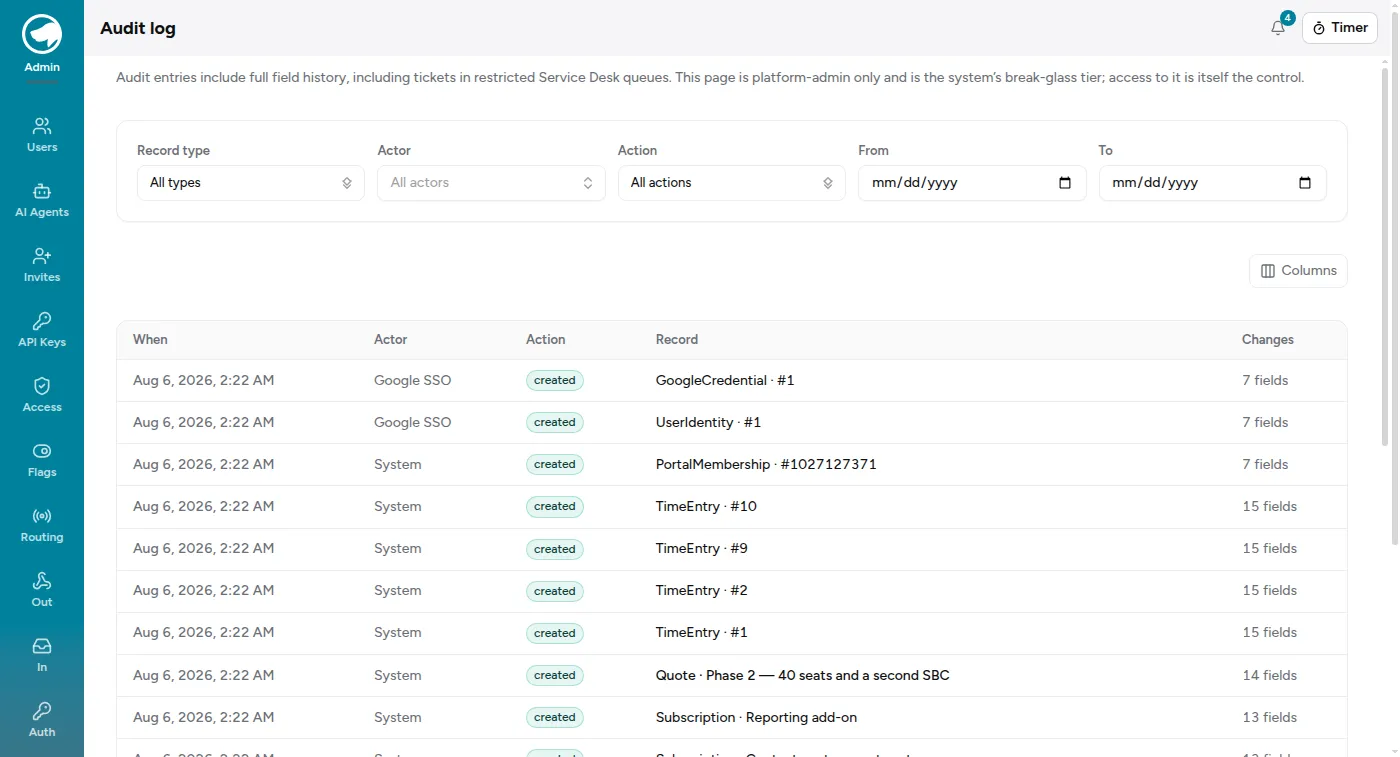
Section titled “Reading it”One row per change, newest first, each showing when, who, what they did (created, updated, destroyed), which record, and how many fields changed. Open a row for the field-by-field before and after.
The filters are what make it usable, because a busy organization produces thousands of rows:
- Record type — Ticket, TimeEntry, Project, User, and around forty more.
- Actor — one person’s activity.
- Action — created, updated or destroyed.
- A date range.
Changes made by the system rather than a person show the actor as System — seeding, imports, and anything running on a schedule that hasn’t been given its own agent identity.
What it’s actually for
Section titled “What it’s actually for”Three questions, in rough order of how often they come up:
- “This entry says four hours and I logged three.” Time entry history shows every edit, including edits an admin made to someone else’s entry.
- “When did this ticket move to that queue, and who moved it?”
- “What did this record look like before Tuesday?” The before-values are kept, so you can reconstruct it rather than guess.
Access to it is the control
Section titled “Access to it is the control”If you need someone to answer day-to-day “who changed this” questions without that reach, the record’s own history — a ticket’s timeline, a time entry’s edit list — usually has the answer and respects the permissions they already have.
What isn’t here
Section titled “What isn’t here”The audit log records changes to records, not reads. Nothing here tells you who merely looked at something.
The nearest thing is Admin → Page views, which logs each page opened, how many times, by how many people, and when it was last opened — filterable by person and over windows from 7 days to all time. Because it stores the path, and some paths contain a record’s id, it can in practice tell you that someone opened a particular ticket.