The pipeline
Sales is one module over the whole commercial surface: the deals, the quotes written against them, the companies and contacts they’re with, and the subscriptions they turn into.
The board
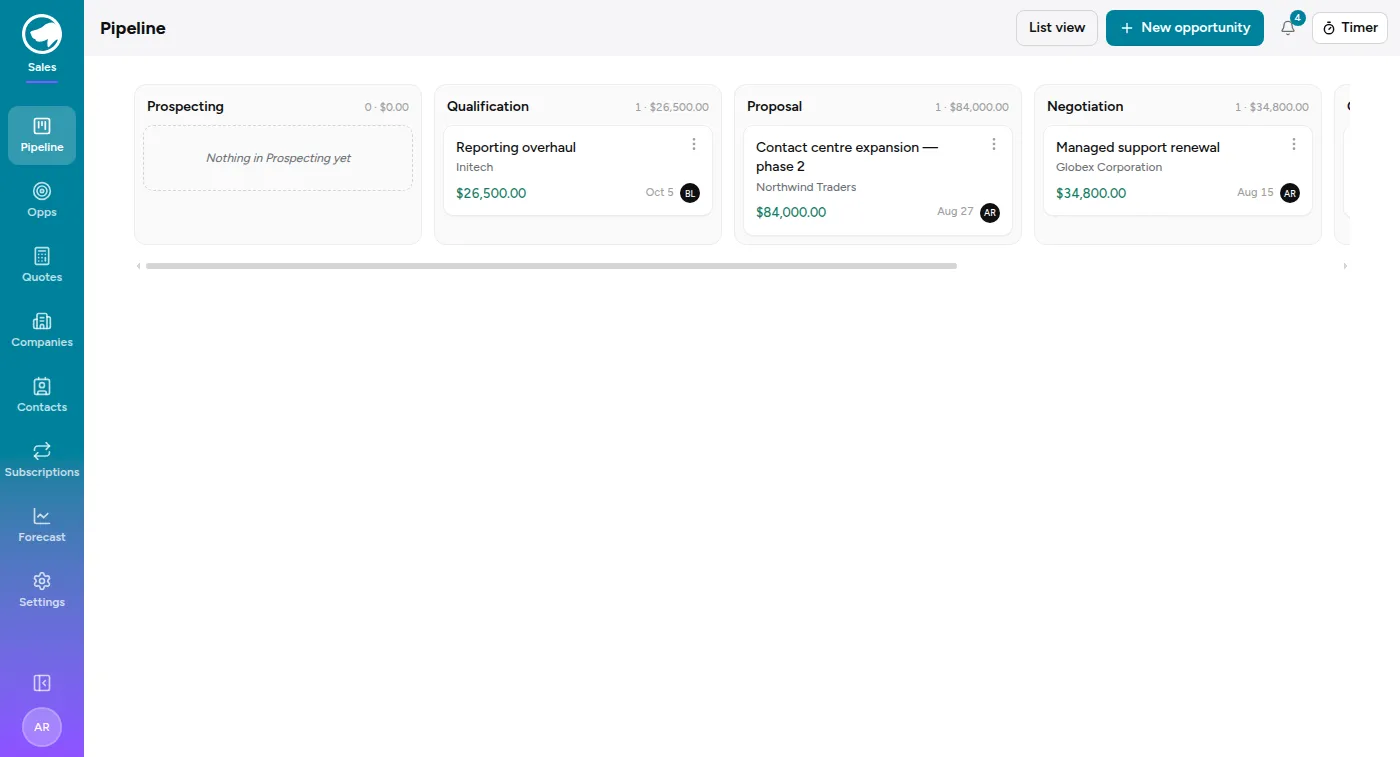
Section titled “The board”Pipeline opens on a column per stage, each headed with a count and a total. Cards show the deal, the company, the amount, the close date and the owner. Drag a card to move it a stage.
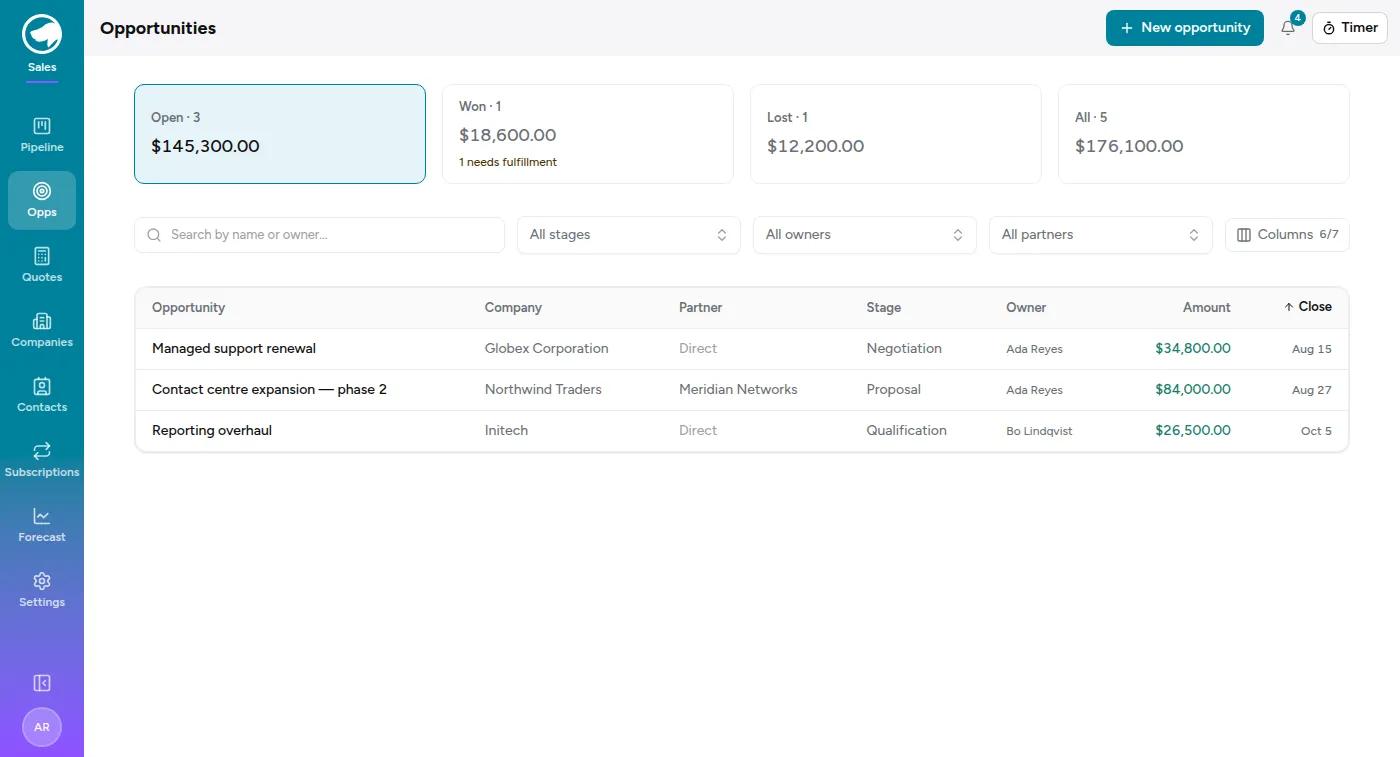
List view is the same deals as a table, with tabs across the top that are worth understanding because they’re totals, not just filters:
- Open — everything still live, and what it’s worth.
- Won — closed and won. If any of those haven’t been handed over to delivery yet, this tab says so: “n needs fulfillment”.
- Lost — closed and lost.
- All.
Stages
Section titled “Stages”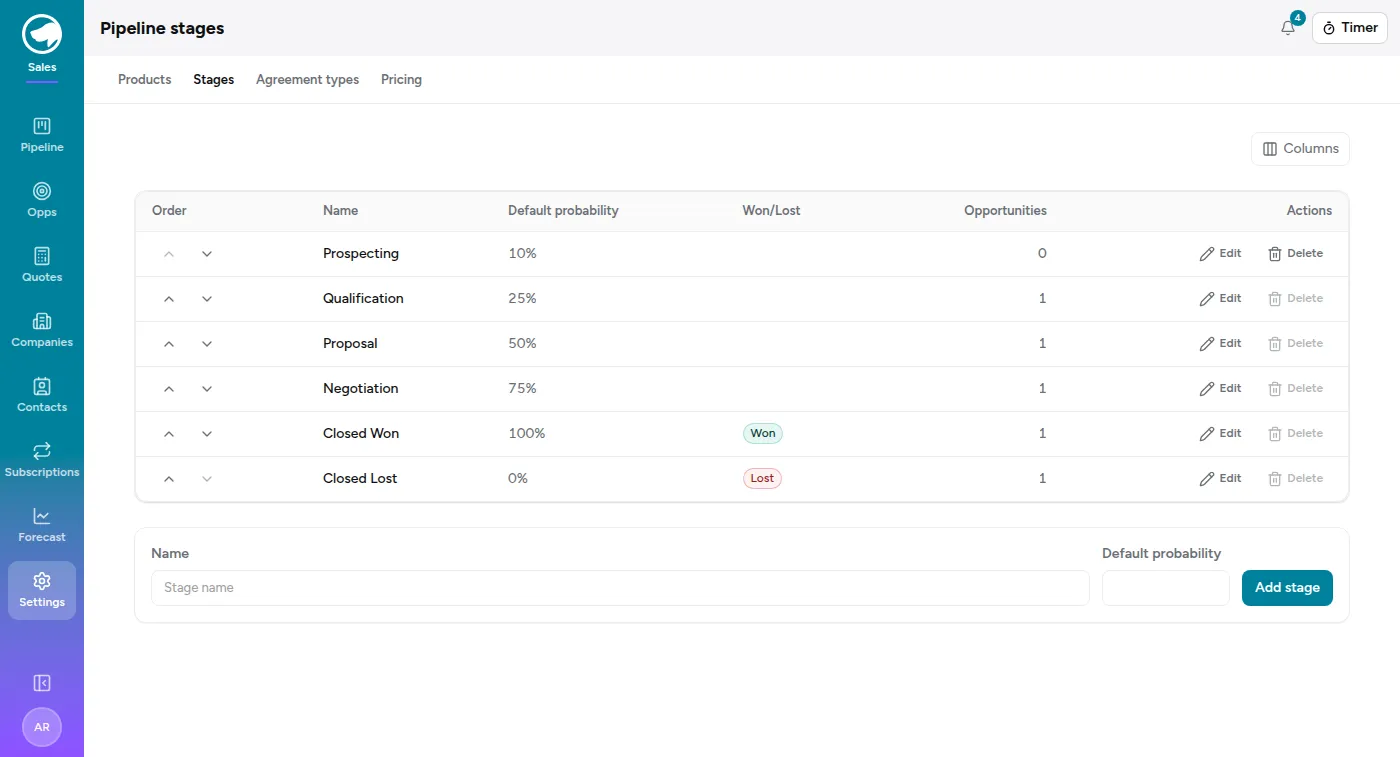
Settings → Stages defines the columns. Each stage has a position, a default probability, and — for the two at the end — a flag saying it means won or lost. Seeded as Prospecting → Qualification → Proposal → Negotiation → Closed Won / Closed Lost.
Moving a deal to a stage sets its probability from that stage’s default, which you can then override on the deal itself.
An opportunity
Section titled “An opportunity”Each deal carries a company, an owner, an amount, a close date, a lead source, a next step and a description. The next step field is the one that earns its keep in a pipeline review — it’s the difference between a list of deals and a list of things to do.
A deal can also name a contact — who at that company you’re actually dealing with. The picker only offers contacts of the deal’s own company, so changing the company clears it. It’s a column on the list too, hidden by default; turn it on from the column menu.
A deal can also carry a partner — the reseller who brought it, when it wasn’t a direct sale. That’s a column and a filter on the list, and it decides who the eventual invoice goes to. See Partner-led deals.
Deals can come from the Service Desk: Flag for sales on a ticket creates an opportunity from it and remembers which ticket it came from. See Working a ticket.
Winning and losing
Section titled “Winning and losing”Lose asks for a reason, and the reason is the point — a lost-reason field nobody fills in makes the Lost tab useless six months later.
Win closes the deal, and then hands you the second half of the job.
Fulfilment
Section titled “Fulfilment”Fulfilment is where a won opportunity becomes:
- a project to book time against — an existing one, or a new one;
- milestones on that project, if the work is billed in stages;
- subscriptions, for the recurring part of what you sold;
- config items in the CMDB, for the kit you’re now responsible for.
If the deal was a renewal of an existing subscription, fulfilment extends that subscription’s end date rather than creating a second one.
Forecast
Section titled “Forecast”Forecast → Pipeline and Forecast → Quarterly are the analytics: weighted pipeline by stage and probability, and how the quarter is tracking. Both are admin-level views over the same opportunities.