States, priorities and types
Three vocabularies describe every ticket, and all three are yours to edit under Settings. They come seeded with a sensible set so you can start working immediately.
Settings → Types — what kind of thing this is. Out of the box: Incident, Request, Problem, Change.
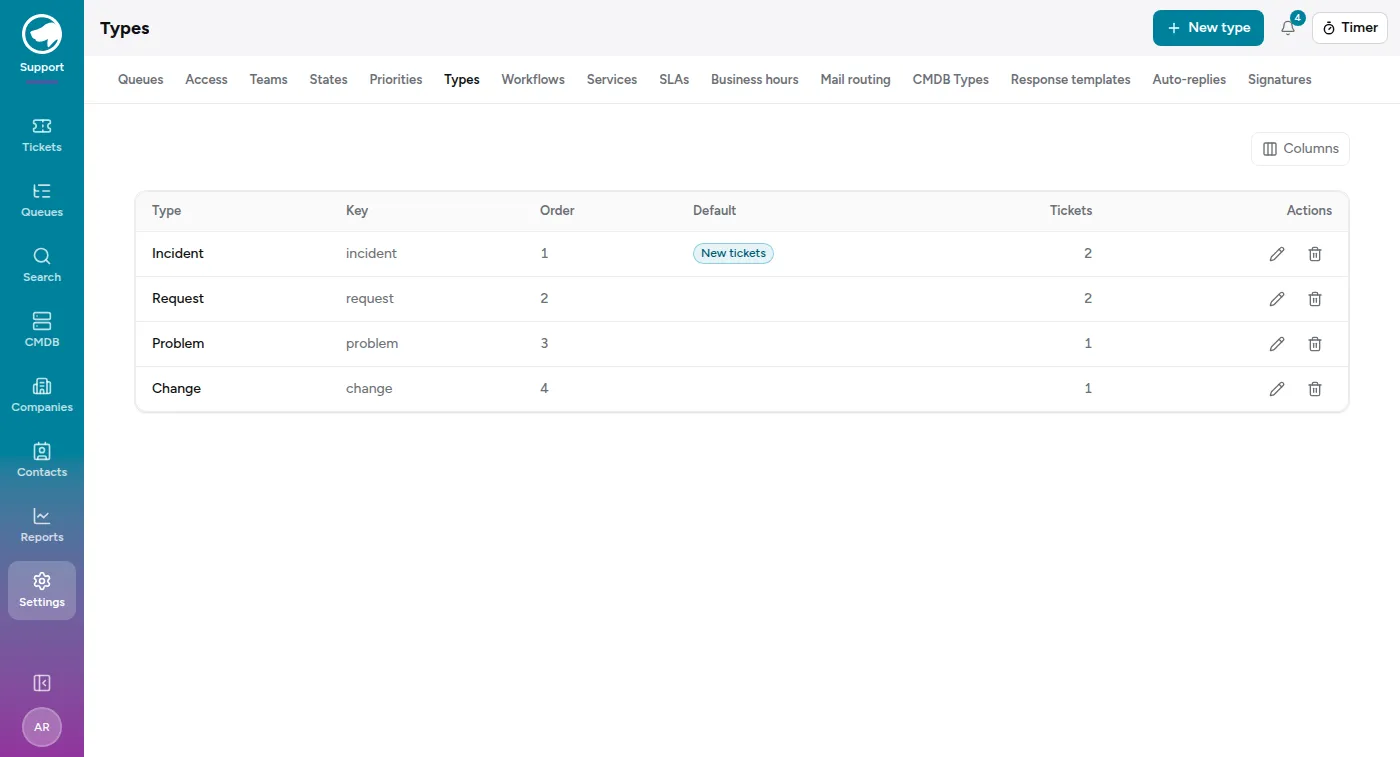
Each type has a key as well as a name. The name is what people read and you can change it freely; the key is the stable identifier that the API and any integration use, so it doesn’t move when you rename the label. Exactly one type is marked for new tickets — that’s what a ticket gets when nothing else says otherwise.
The list shows how many tickets currently use each type, which is the number you want before deciding whether a type is safe to retire.
States
Section titled “States”Settings → States — where the ticket is in its life. Every state has a state type underneath the name, and the state type is what the app actually reasons about:
| State type | Behaviour |
|---|---|
| new | Untouched |
| open | Live work |
| pending reminder | Waiting, and it will remind you |
| pending auto | Waiting, and it moves itself to another state when the date passes |
| closed | Finished; stops the solution clock |
| merged | Folded into another ticket |
| removed | Out of circulation |
So you can rename “pending customer” to whatever your team says, and add your own states, as long as each one declares which of those behaviours it has. A pending auto state has to say which state it becomes.
Priorities
Section titled “Priorities”Settings → Priorities — how much it matters. Seeded as 1 very low through 5 very high, with 3 normal as the default for new tickets. The numbers in the names are there to make them sort, and you can rename them.
Workflows
Section titled “Workflows”Settings → Workflows decides which state changes are allowed. Without one, every queue allows any transition — that’s the default, and for a lot of teams it’s the right answer.
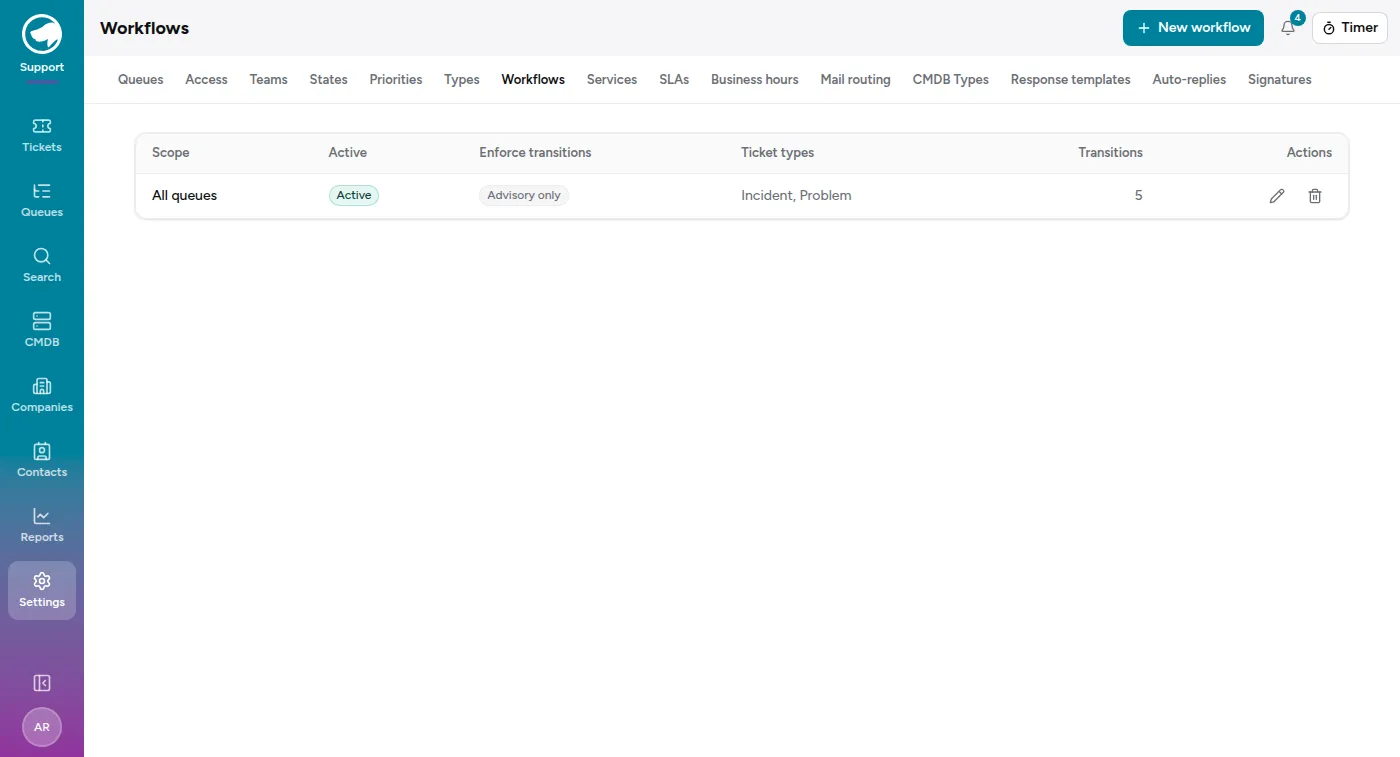
A workflow has:
- a scope — org-wide, or attached to specific queues;
- the ticket types it applies to, so an Incident can be held to a path a Request isn’t;
- a set of transitions, each one a from-state and a to-state, optionally requiring a note;
- and a switch: enforce transitions, or advisory only.
Services
Section titled “Services”Settings → Services is a flatter list — the thing the ticket is about (Contact Centre, Network, Telephony, Billing). Services matter mostly for reporting: they’re how you answer “what do we get most tickets about?”
Renaming is safe; deleting is the question
Section titled “Renaming is safe; deleting is the question”Renaming anything here updates it everywhere, including on closed tickets, because tickets point at the row rather than storing the word. That’s the whole reason these are tables and not fixed lists.
Retiring is different. Each settings page shows a tickets count against each row for exactly this reason — check it before you archive something, because the history that used it doesn’t disappear.